








FAQs
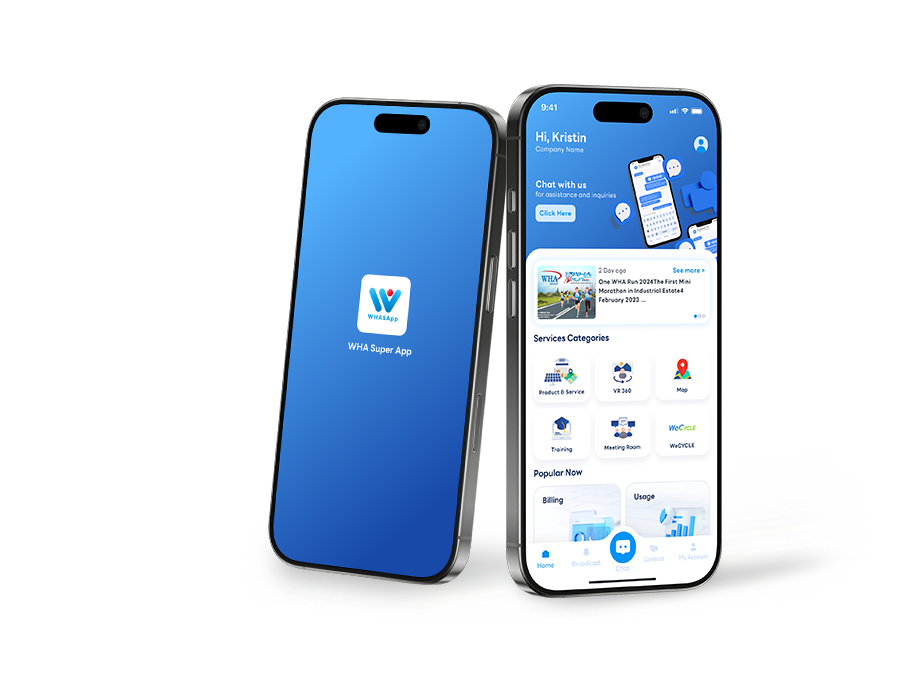
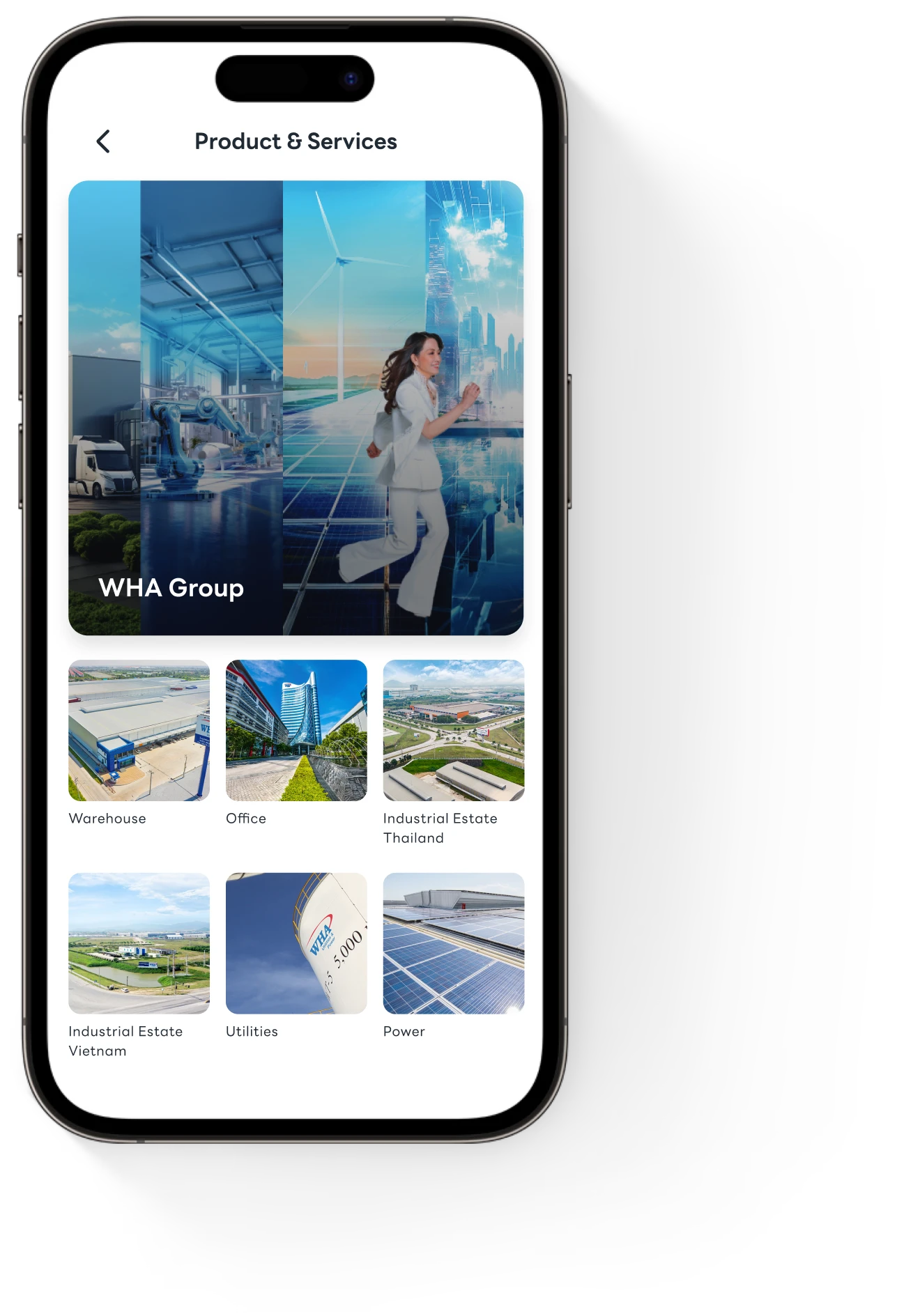
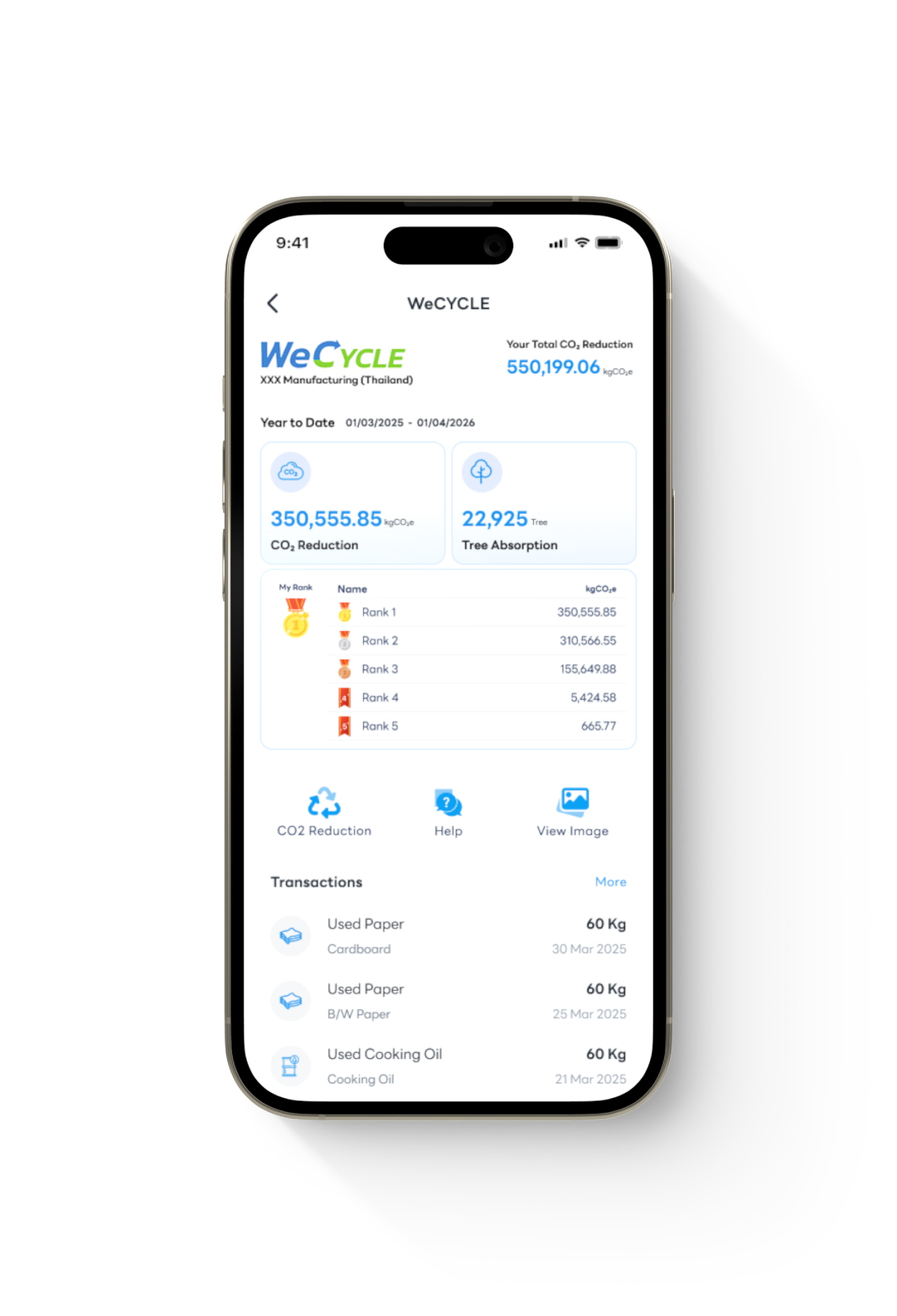
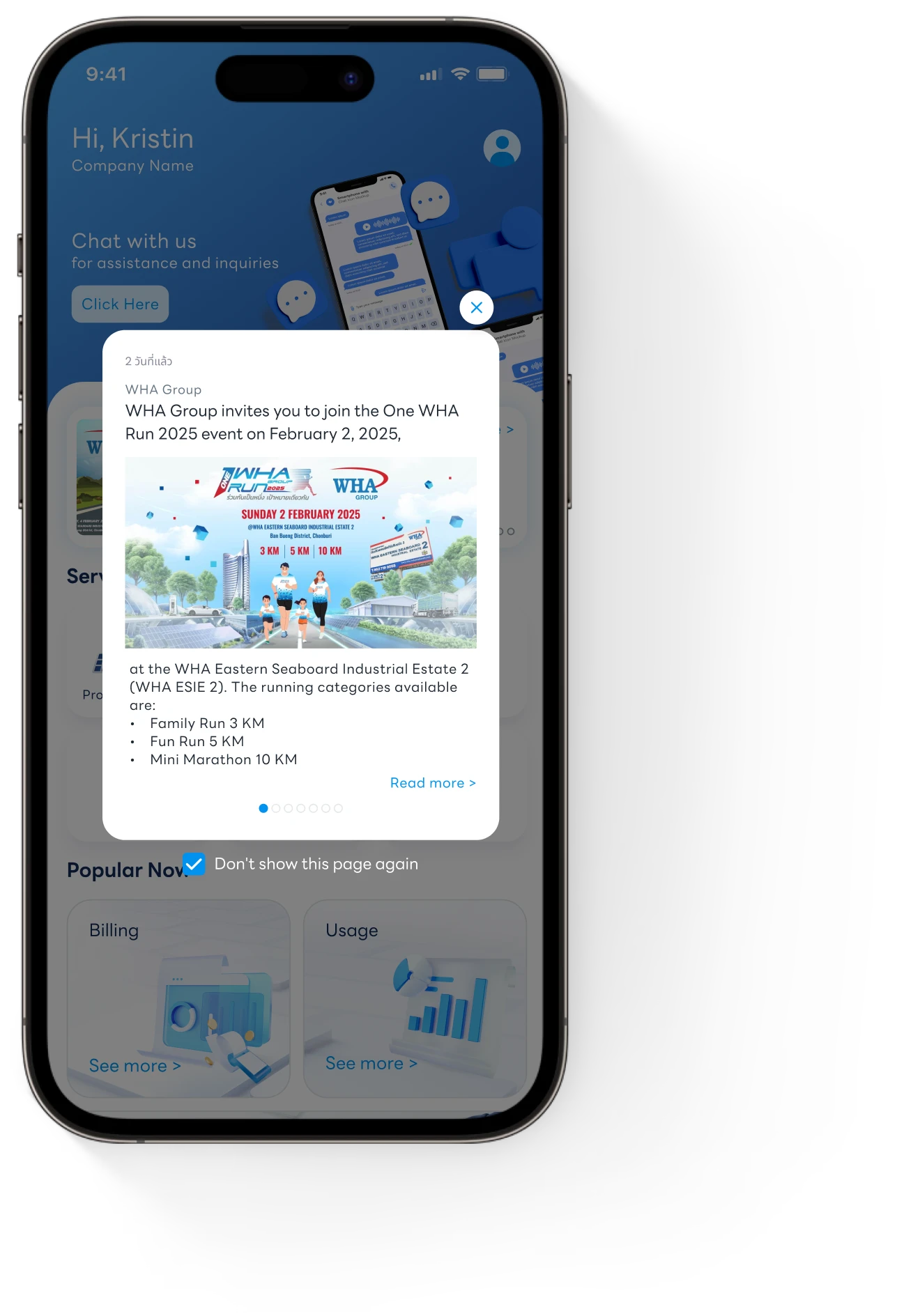
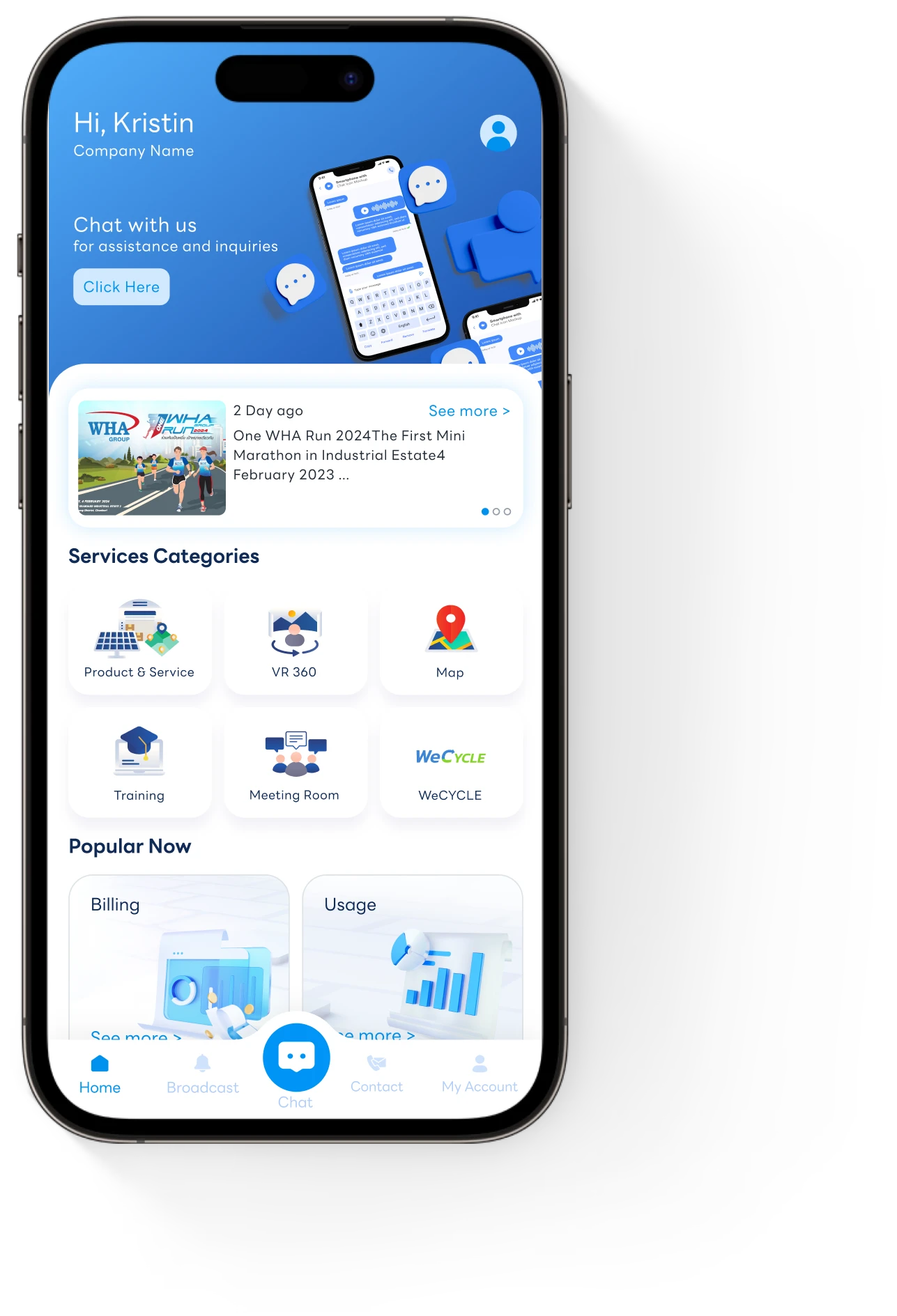
WHASApp is the official Service App by WHA Group, built exclusively for WHA customers. The application aims to integrate multiple tools and services to streamline customer support and enhance WHA customer experience. Experience a powerful all‑in‑one platform powered by WHA Digital at your fingertips.
User Management refers to the system (web portal) of organizing and controlling access by users (your company employees) to WHA services and your company’s personalized information within a system or application. It involves creating and managing user accounts, roles, and permissions. Only “admin” has the right to access the user management portal.
| Admin Role | Key Responsibilities | Access Scope |
| General User | – Access to general features | General features: Chat, Broadcast, and About WHA |
| General Admin | – Add/remove users – Assign roles and permissions for all features, excluding Outstanding Billing and CO2ZERO. | Full access to all modules and settings, excluding Outstanding Billing and CO2ZERO. |
| Billing Admin | – Add/remove users – Assign roles and permissions to Outstanding Billing feature – Access invoices, billing history, and payment info | – Full access to all modules and settings + Outstanding Billing, excluding CO2ZERO. |
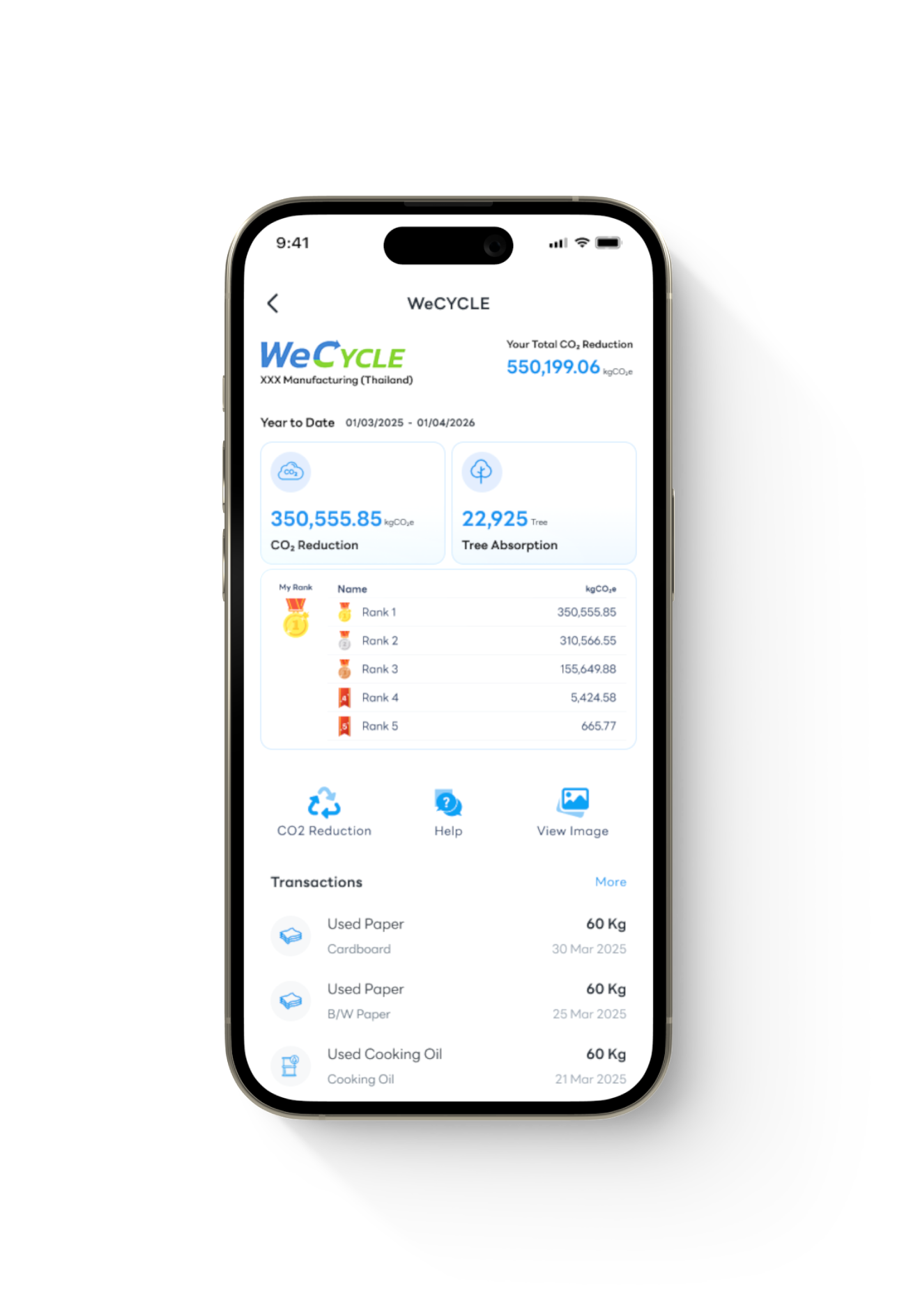
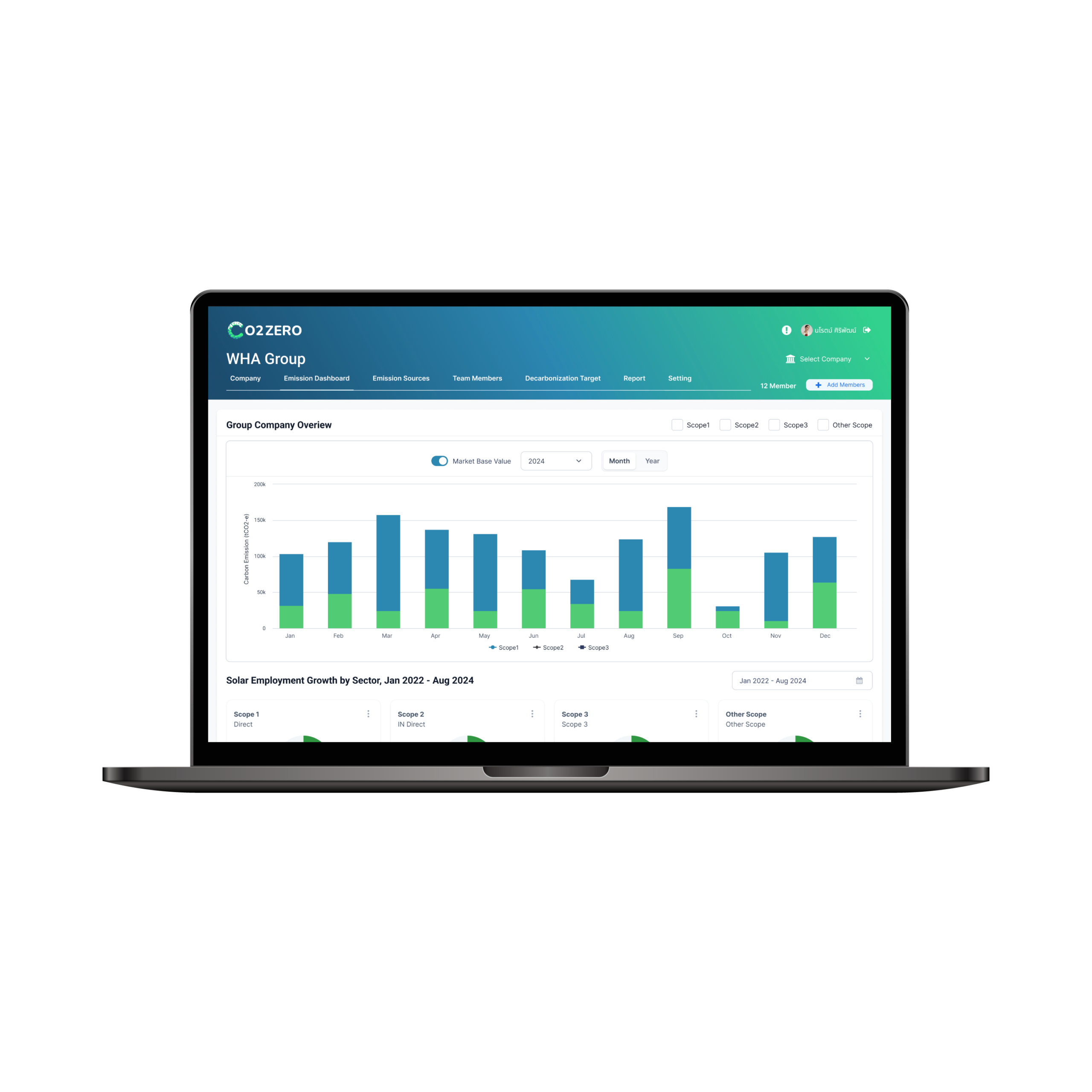
| CO2ZERO Admin | – Add/remove users – Assign roles and permissions for CO2ZERO members – Manage carbon emission data – Set up company structure and emission sources | Full access to all modules and settings + CO2ZERO platform, excluding Outstanding Billing. |
The key elements of WHASApp are WHASApp mobile app, user management portal, admin, and users.
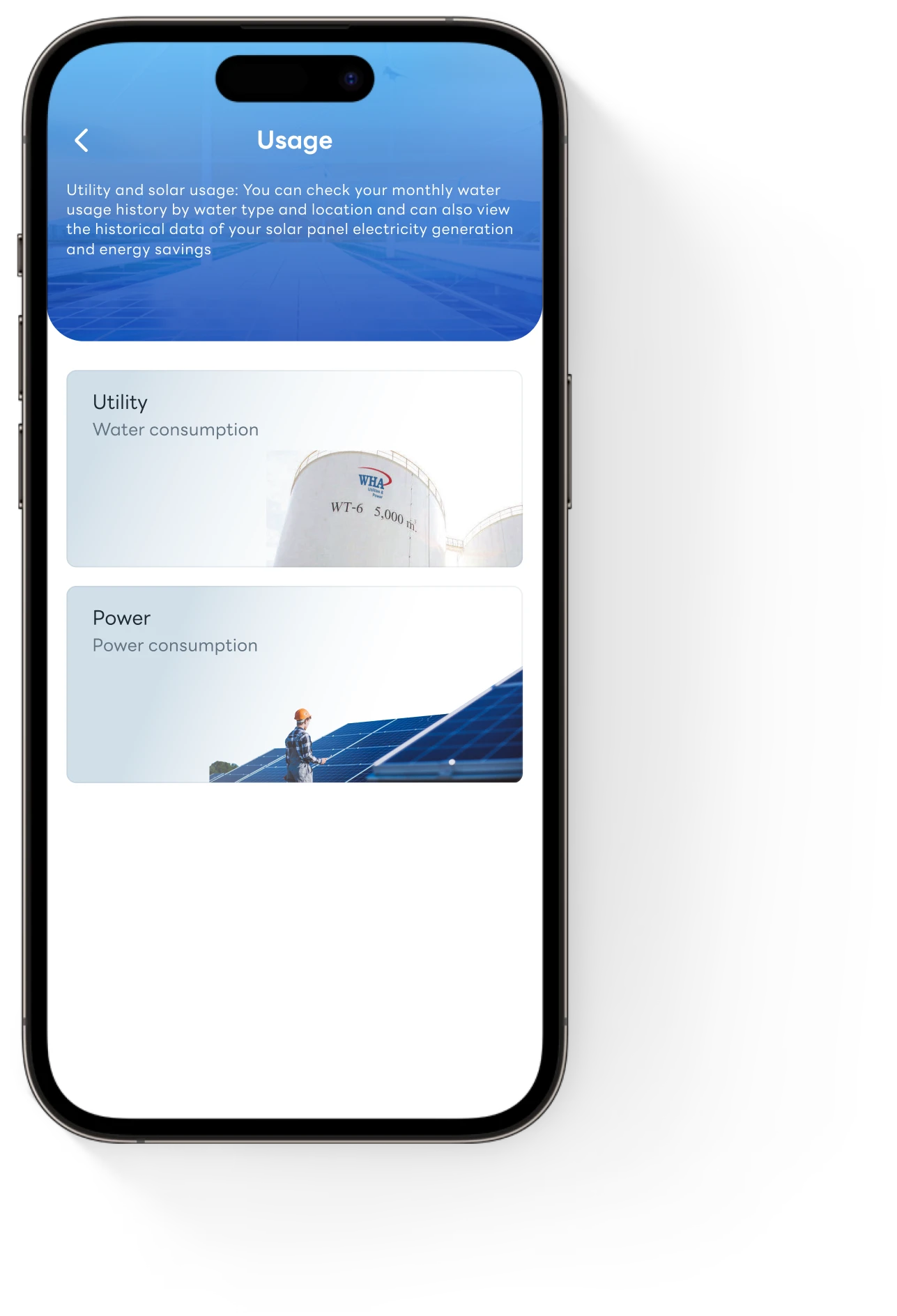
Users are your company’s employees who need support and services from WHA customer service team, and who need the access to your company solar power and utilities usage insight, billing and contract information, WHA products and services information, and news and activities alert within the WHA’s areas.
User roles define the functional role of a user within the application. They determine what functions a user has access to, and what actions they are authorized to perform.
Smartphones (iOS and Android) via the mobile application
- ● Accessible by all users
- ● Supports access to all features, except the CO2ZERO platform
Computers and laptops via the Web Portal
- Accessible only by designated roles :
- ● General Admin
- ● Billing Admin
- ● CO2ZERO Admin
- ● CO2ZERO Members (Users)
- Required for managing advanced features like user management and CO2ZERO
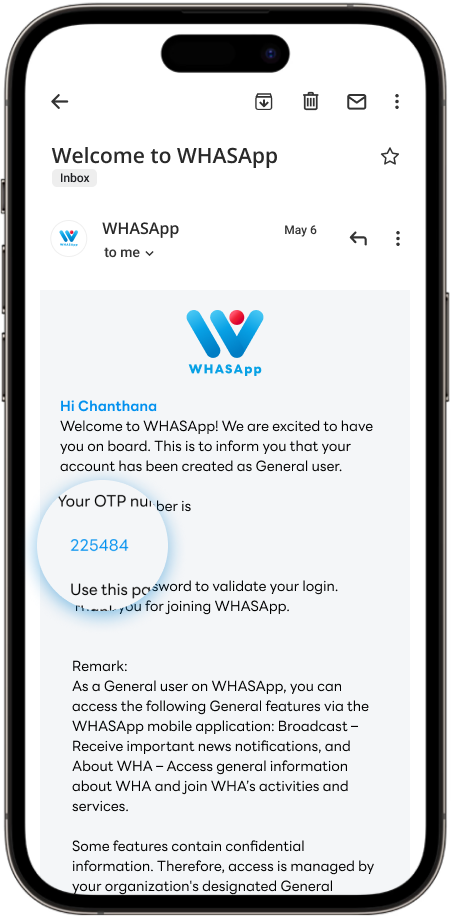
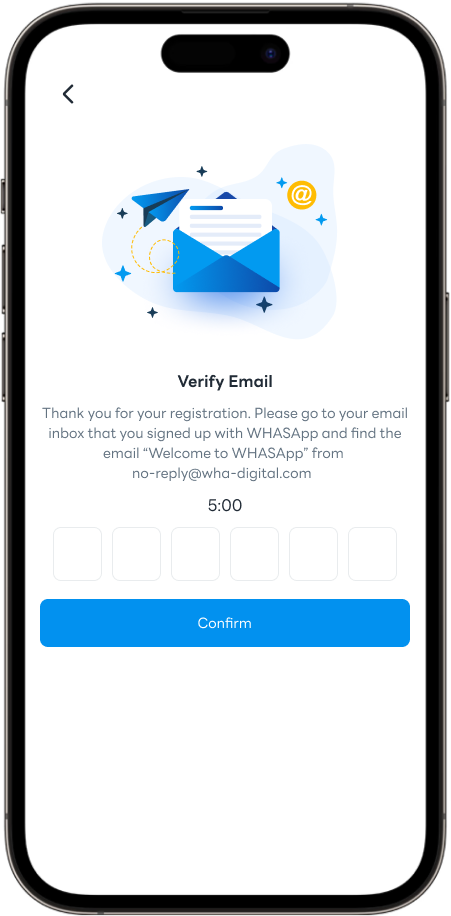
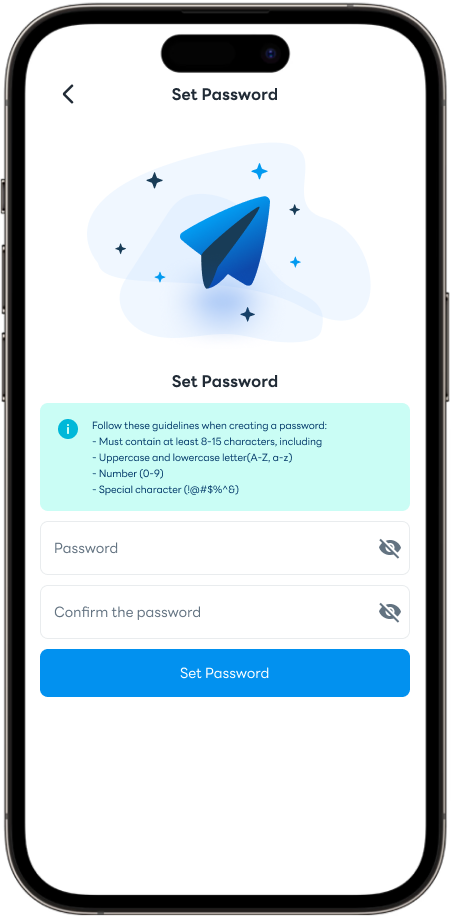
If you do not receive the OTP required to register for the app or add a phone number to your account, please check the following:
- ● Search your email for “Welcome to WHASApp” or “WHA Digital.”
- ● Verify that you are checking the email account used during registration.
- ● Check your Spam / Junk folder.
- ● Contact your organization’s IT department to check whether emails from external senders are being blocked.
If you have completed the above checks and are still experiencing the issue, please contact the WHASApp Administrator at [email protected]
Account Inactive
Please contact your company’s WHASApp System Administrator using the email address displayed in the app.
“My Account->Help Center->Contact Customer Administrator.”
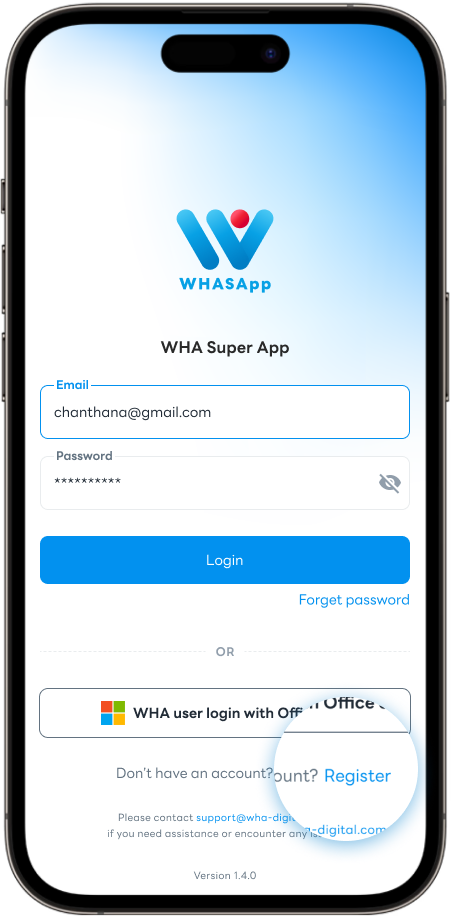
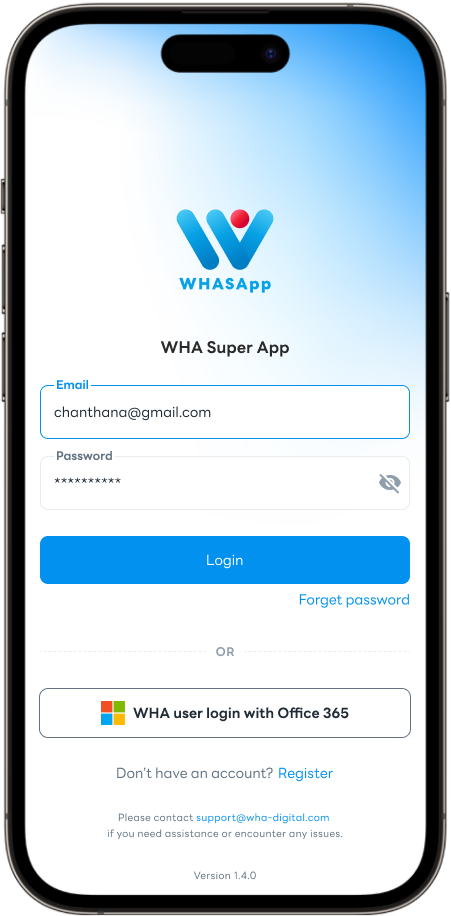
Incorrect password
- ● Please verify that the password entered is correct by clicking the eye icon in the password field to display and confirm the password.
- ● If the issue persists after verifying the password, please select “Forgot Password” to reset your password.
If you continue to experience issues after following the steps above, please contact the WHASApp Administrator at [email protected].